WAN 3.0 | View Video Generator availability →
3dance mark
Sign In
Generated results will appear here when quotation and fulfillment are available.

One workspace. Many ways to create.

AI Video Generator

Create with available video models from text, images, or supported reference media. Compare Veo, Kling, Seedance, Wan, and more, then review current settings, availability, and price.
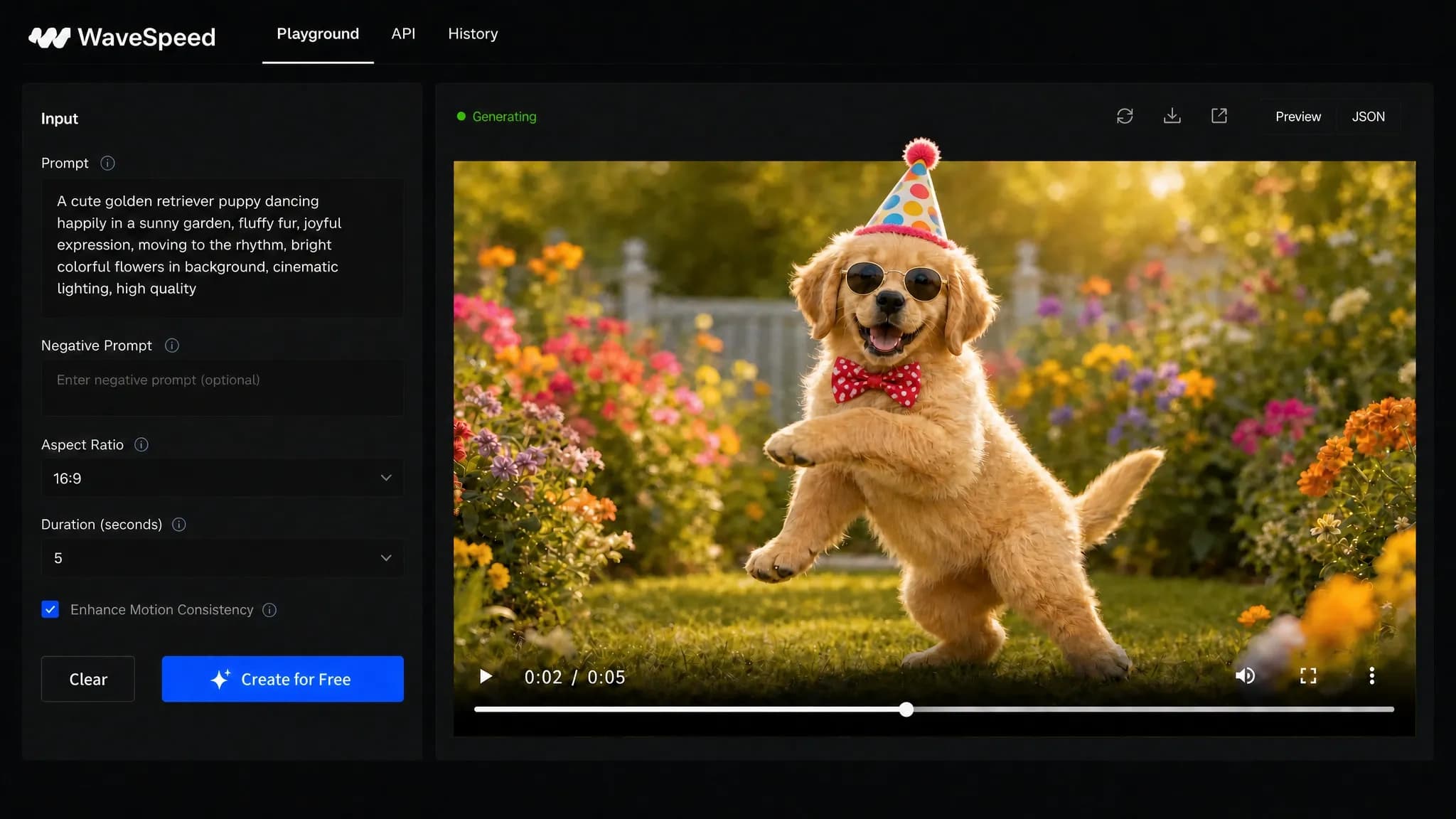
AI video workspace showing generation controls and a finished cinematic clip

How the AI Video Generator Works

  1. Inspect prompt and image inputs

    Enter a draft prompt or choose the published image inputs to inspect which fields a planned text-to-video or image-to-video request would require.

  2. Inspect a model

    Switch between published Veo, Kling, Seedance, Wan, Vidu, Hailuo, and other catalog entries to compare their documented modes, tiers, and controls.

  3. Review availability

    Review the selected model’s published inputs and availability. Submission stays disabled while price or route evidence is unavailable.

What Is an AI Video Generator?

An AI video generator creates moving video from a written prompt or a reference image. Instead of editing stock clips by hand, the model generates frames from your subject, motion, camera direction, lighting, and style.

Choose a supported mode, configure your request, and review the price before submitting. Unavailable models cannot create a task.

Text to Video

Text-to-video models start from a written prompt. The catalog preview lets you inspect each model’s published prompt, duration, resolution, and other request fields.

Submit only when the selected model and mode are available and a price is shown.
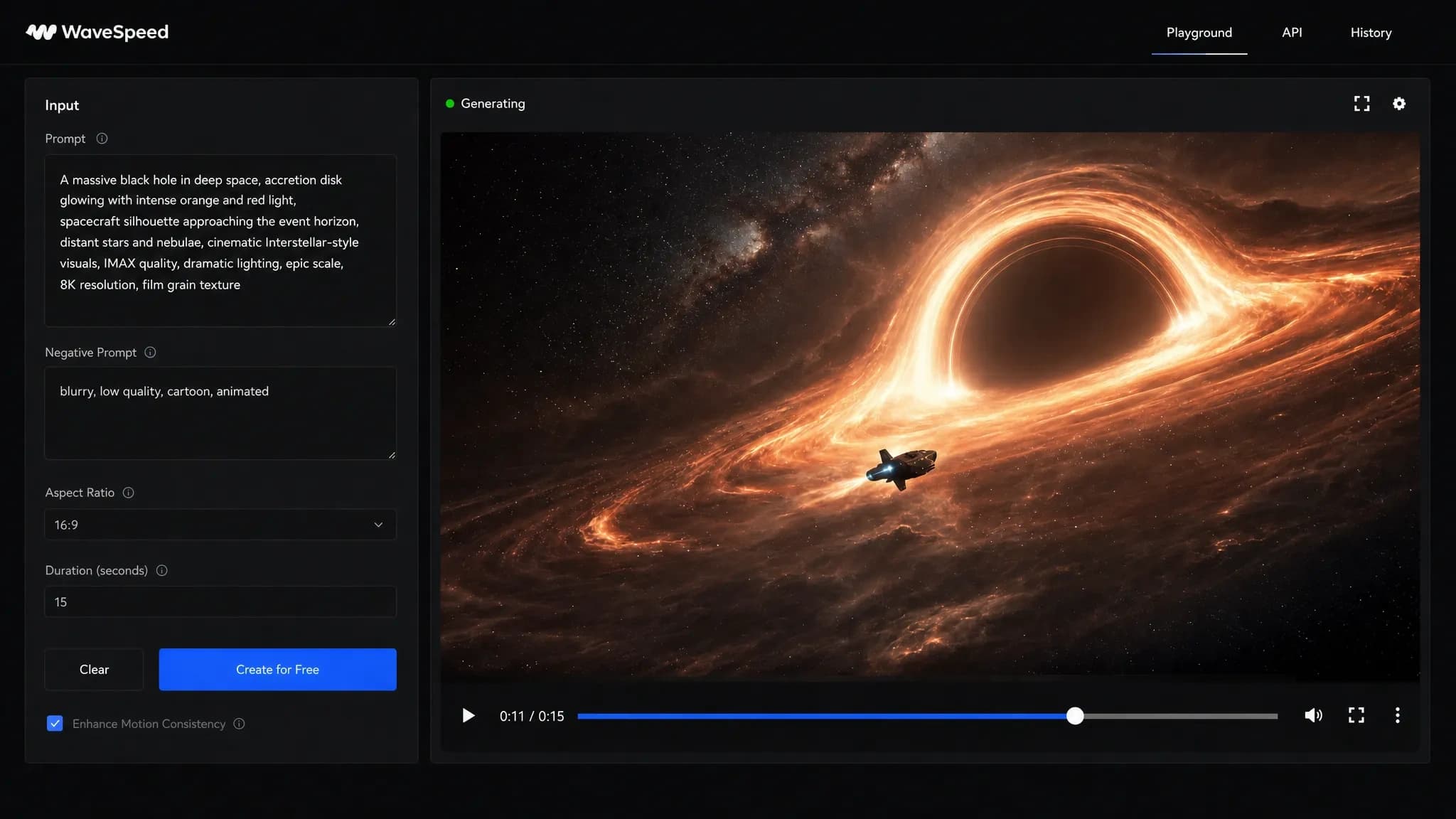
Text-to-video workflow turning a cinematic prompt into a space scene

Image to Video

For a planned image-to-video request, start from a product shot, portrait, illustration, or AI still image. The catalog shows which published models accept those inputs and which motion controls they document.

Supported image-to-video modes animate your reference image. Download the completed video from History.

Choose from the Latest AI Video Models

Inspect the ordered published entries for Veo, Kling, Seedance, Wan, Hailuo, and more in one place. These entries describe known model capabilities; they do not promise that 3dance can currently quote or fulfill them.

WAN 3.0Alibaba’s all-in-one video model for text-to-video, first-frame and last-frame animation, and multimodal reference-to-video with images, video, and audio.WAN 3.0 PrimeA faster WAN 3.0 tier for text, image, and multimodal reference video generation up to 30 seconds and 1080p.Seedance 2.0ByteDance’s flagship for cinematic video from text or images, with native audio-visual sync, camera and lighting control, and stable motion.Seedance 2.0 TurboCinematic 720p and 1080p video at near-480p speed while retaining audio sync and director-level control.Seedance 2.0 MiniFaster, lower-cost cinematic multi-shot video with AI camera control, consistent characters across scenes, and flexible duration.MiniMax H3An open-weights model for text-to-video, image-to-video, and reference-to-video with native stereo audio and flexible output sizes.OpenVideoImage-to-video with full creative control, a native audio track, preset stacks, and detailed style and motion guidance.Happy Horse 1.0Alibaba’s cinematic model with smooth camera movement, expressive motion, strong prompt fidelity, and 720p or 1080p output.Kling 3.0Kuaishou’s model with Standard and Pro tiers, sound generation, and video durations up to 15 seconds.Kling O3Kuaishou’s advanced multimodal model for reference-to-video, video editing, multi-prompt shots, and audio generation.Kling 2.6A cinematic Standard and Pro model with native audio options and five-to-ten-second durations.WAN 2.7Text-to-video, image-to-video, and video editing with 1080p output, first and last frame control, and audio guidance.WAN 2.6A versatile model supporting text-to-video and image-to-video with audio generation.WAN 2.5Flexible 480p-to-1080p text and image video generation with synced audio and prompt expansion.WAN 2.2 SpicyA specialized image-to-video model for animating still images with expressive motion.Seedance 1.5 ProByteDance’s cinematic model with camera control, audio generation, and four-to-twelve-second durations.Veo 3.1Google’s model with Fast and Standard modes, native 1080p, synchronized audio, and 4K support.Vidu Q3High-fidelity video generation with style control, movement amplitude, and background music.Hailuo 2.3MiniMax’s physics-aware model with Standard and Pro tiers, 1080p output, and improved efficiency.Grok Imagine 1.5xAI’s fast video model with text-to-video up to 1080p, image-to-video, and multi-image reference-to-video.Grok ImaginexAI’s video model with text-to-video and image-to-video, customizable duration, and aspect ratio.

Free AI Video Generator

Eligible new accounts may receive promotional credits under the current offer. Check Billing for your available balance.

Review the price and availability before generating. Promotional credits do not guarantee free access to every model; output terms depend on the selected model.
  • Compare 25 selected model families
  • Model-specific settings and supported inputs
  • Clear availability before you submit
  • Review the generation price before spending credits
  • Download completed videos from private History

AI Video for Social, Ads & Product

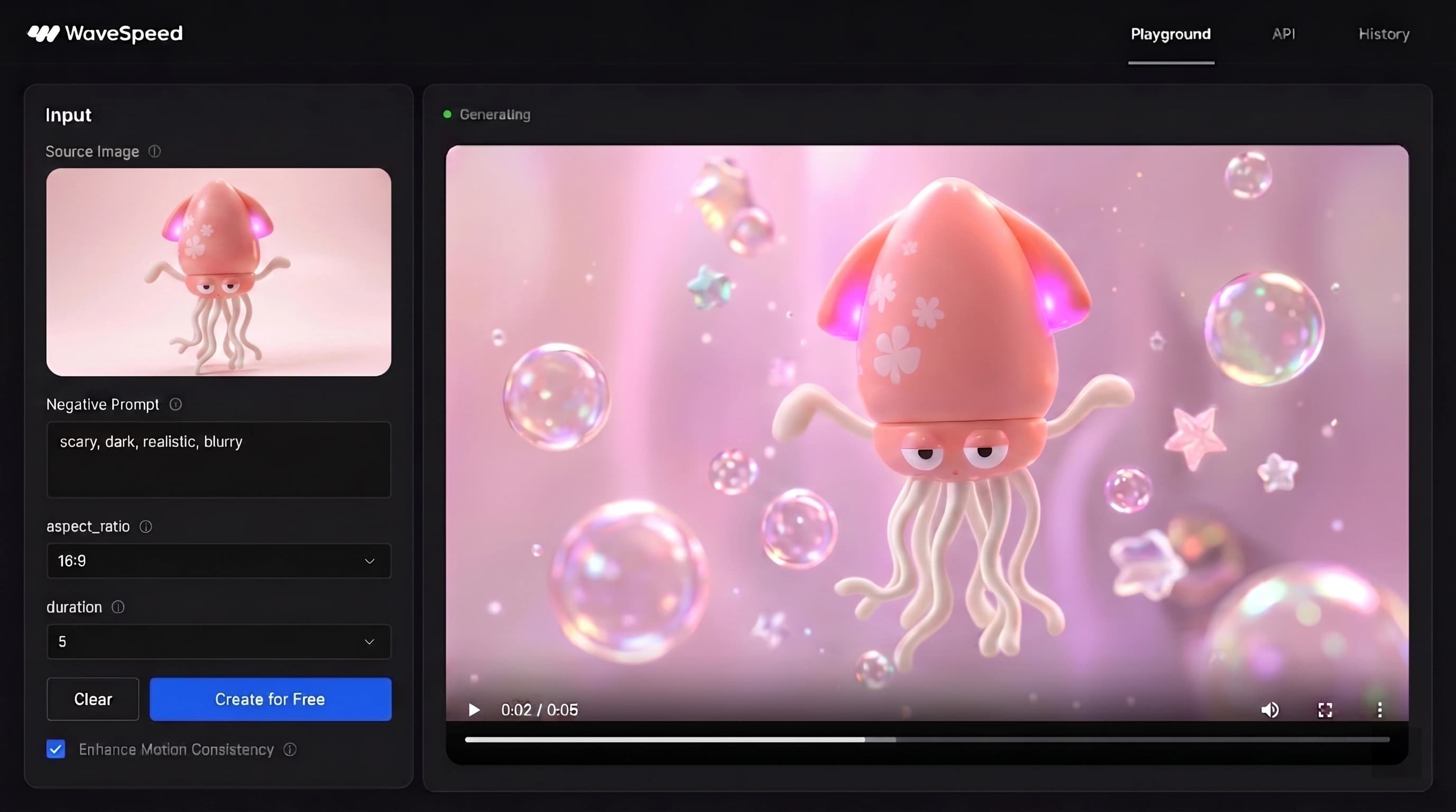
Image-to-video workflow animating a colorful product character for social media

Short-form & social clips

Plan the prompt, aspect ratio, duration, and source-image requirements for future TikTok clips, YouTube Shorts, reels, story posts, and other short-form work.

Product & ad videos

Compare the published request controls that future product ads, demos, ecommerce concepts, and campaign variations would need.

Prompt Tips for Better AI Videos

  • Lead with the subject and action before describing style.
  • Name the camera move: push-in, pan, orbit, handheld, or static.
  • Set lighting and mood clearly, such as golden hour, studio lighting, or neon night.
  • Keep one main action per clip so the AI video prompt stays focused.
  • Compare how the same draft prompt maps to the published fields of two models.

API & Automation — Coming Soon

Developer API and automation tools are Coming Soon. Use Image and Video Generator for currently available generation modes.

AI Video Generator FAQ

Explore Published AI ModelsBrowse the published Image and Video capability entries currently exposed by the safe public catalog.3dance models →Build with the APIFollow the explicit coming-soon path for the planned API, pricing, and automation contracts.3dance API — Coming Soon

Create with available video models

Ready to Create?

Choose a model, prepare your prompt, and check availability and price before generating.

Inspect catalog