WAN 3.0 | View Video Generator availability →
3dance mark
Sign In
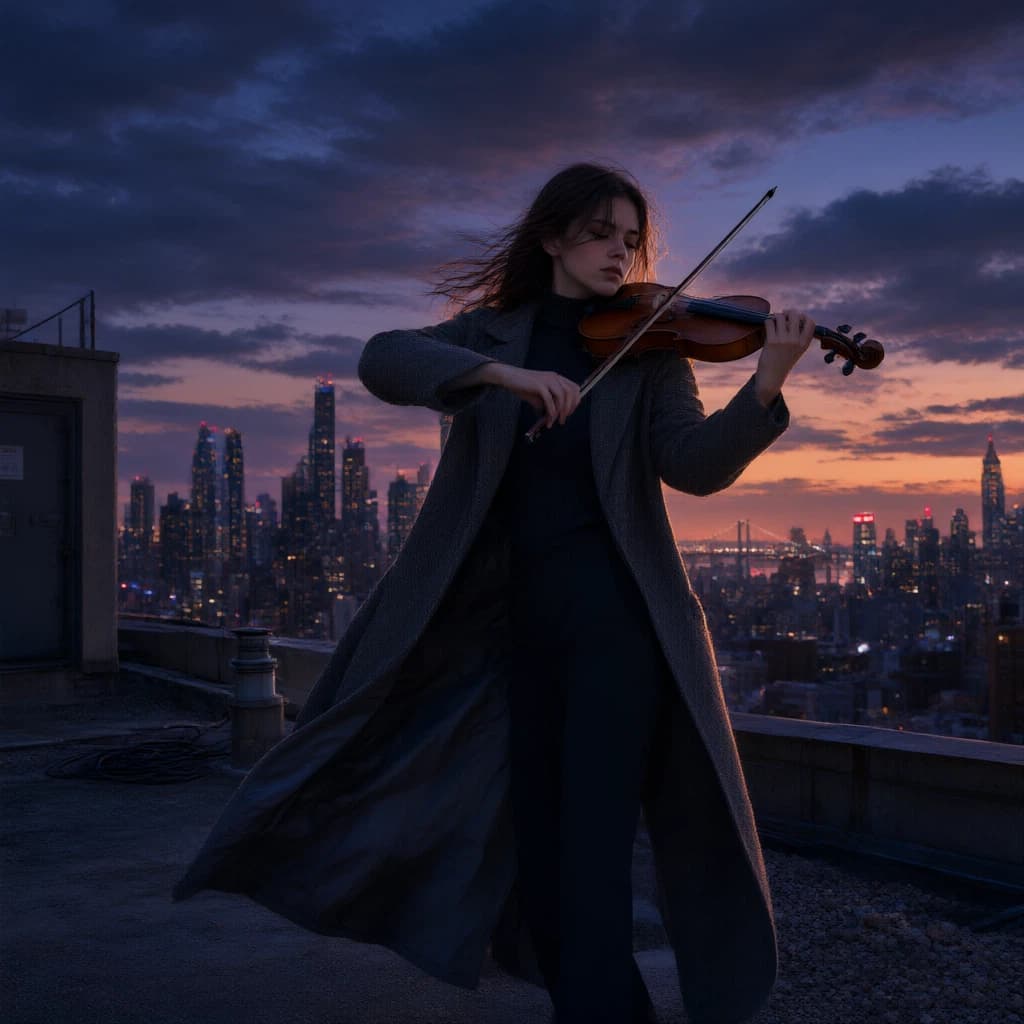
A violinist performing on a rooftop at twilight

A young violinist performing alone on a rooftop at twilight, city skyline glowing behind her, wind moving her long coat, dramatic clouds above, emotional cinematic scene, elegant pose, realistic photography, wide-angle composition, soft blue and orange lighting.
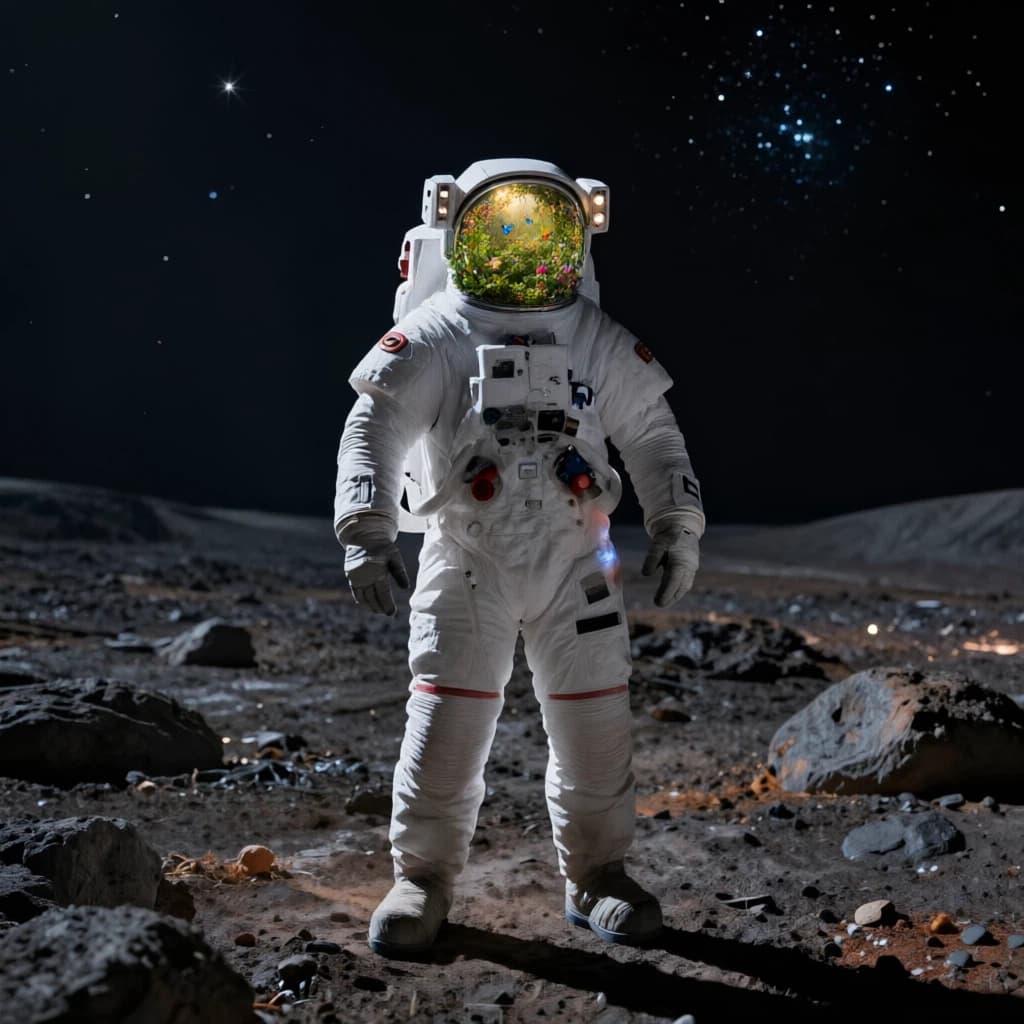
An astronaut whose helmet contains a miniature garden

Replace the reflection and interior of the astronaut’s helmet with a lush miniature garden. Add flowers, butterflies, green plants, and warm sunlight inside the helmet while preserving the suit, pose, planet, and overall composition.

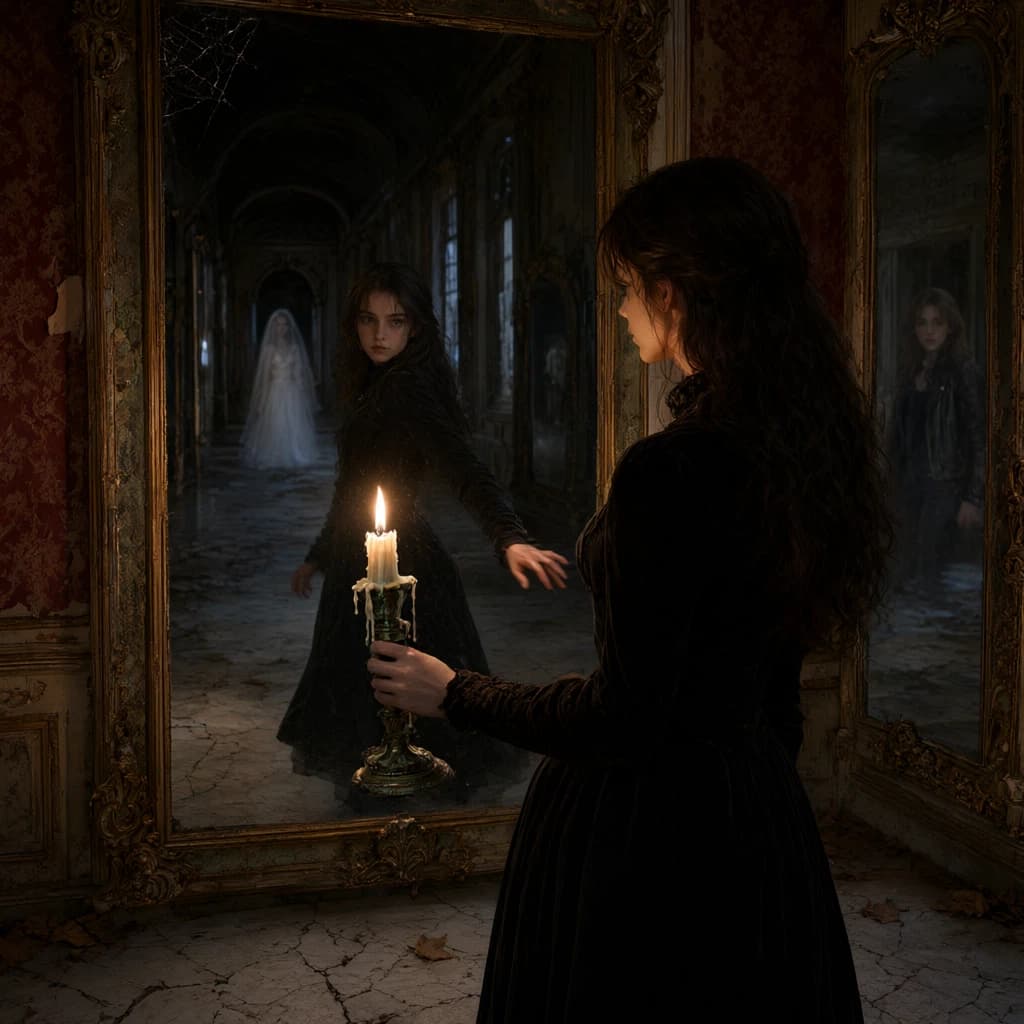
A candlelit woman in an abandoned hall of mirrors

A young woman carrying a candle explores an abandoned palace at night. She enters a long hall of mirrors and notices that one reflection is moving differently from her. The camera begins behind her shoulder, glides smoothly between the mirrors, and repeatedly changes focus between her real body and the false reflection. The reflection suddenly turns and runs deeper into the mirrored corridor. She follows it until every mirror reveals a different version of her life. Gothic mystery, elegant Steadicam movement, candlelit shadows, slow-building tension, highly detailed production design.

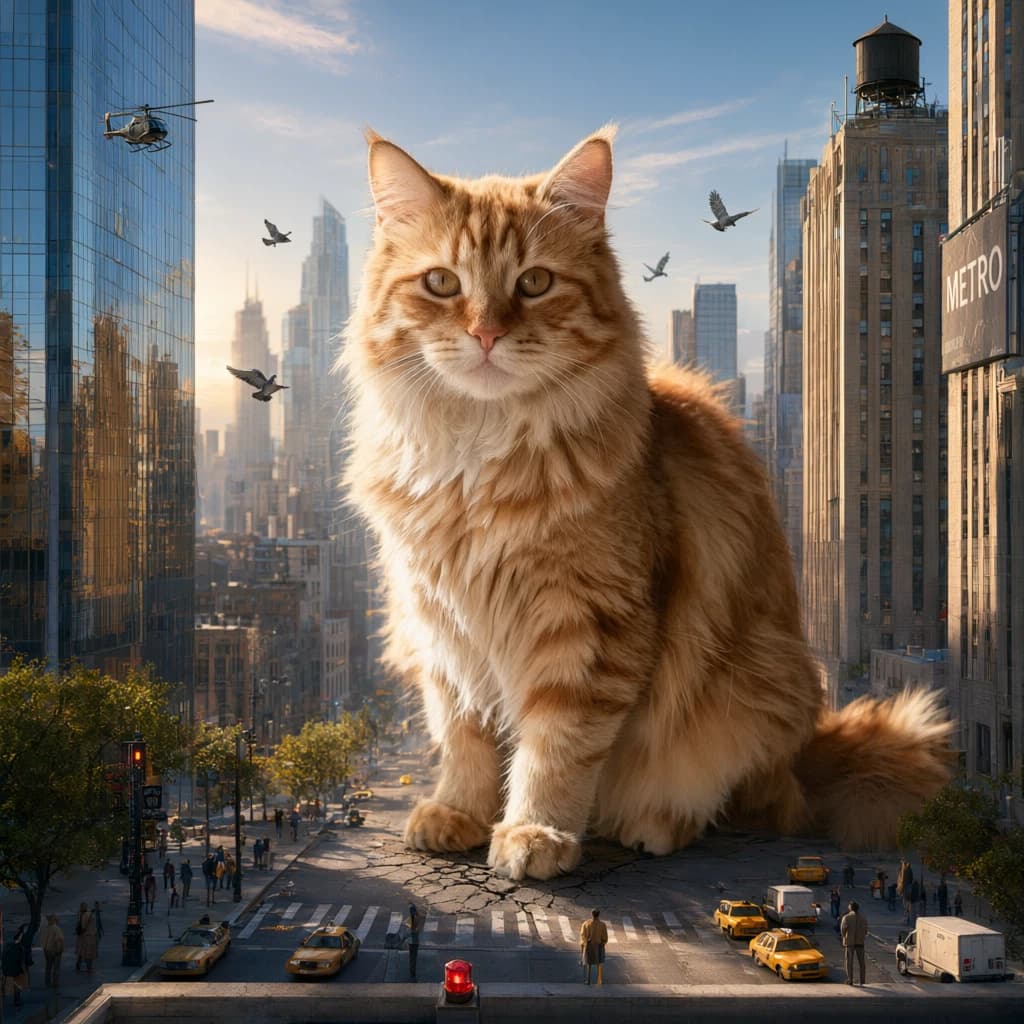
A colossal cat sitting among city skyscrapers

Transform the cat into a colossal creature sitting between city skyscrapers while preserving its exact face, fur pattern, and seated pose. Replace the apartment with a realistic modern city, add tiny cars and people below, and create believable atmospheric scale.

Creative workspace

AI Image Generator

Create images from text or reference images. Compare Nano Banana, Seedream, GPT Image, Qwen Image, FLUX, and other models, then check availability and pricing for your chosen mode.

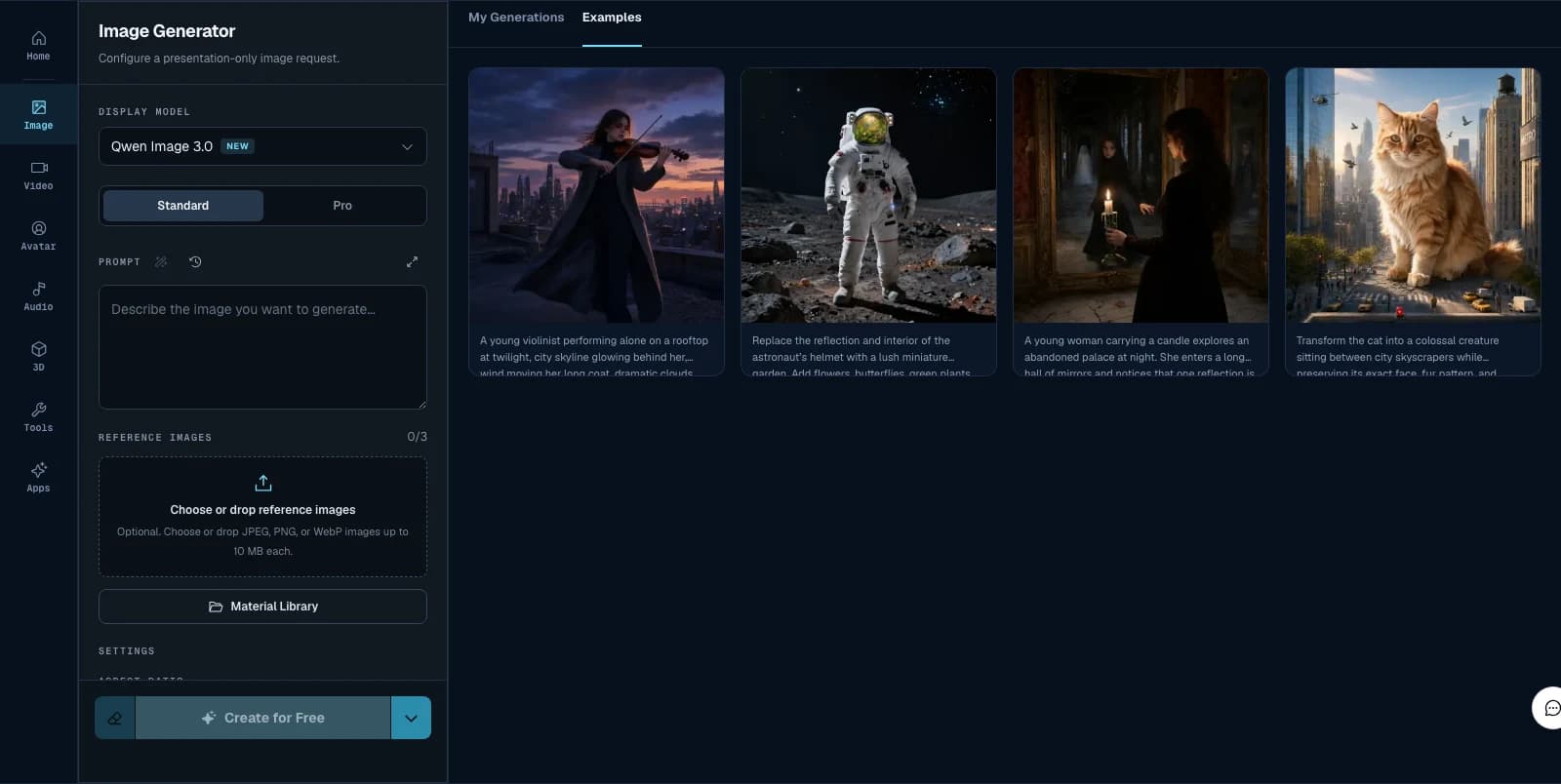
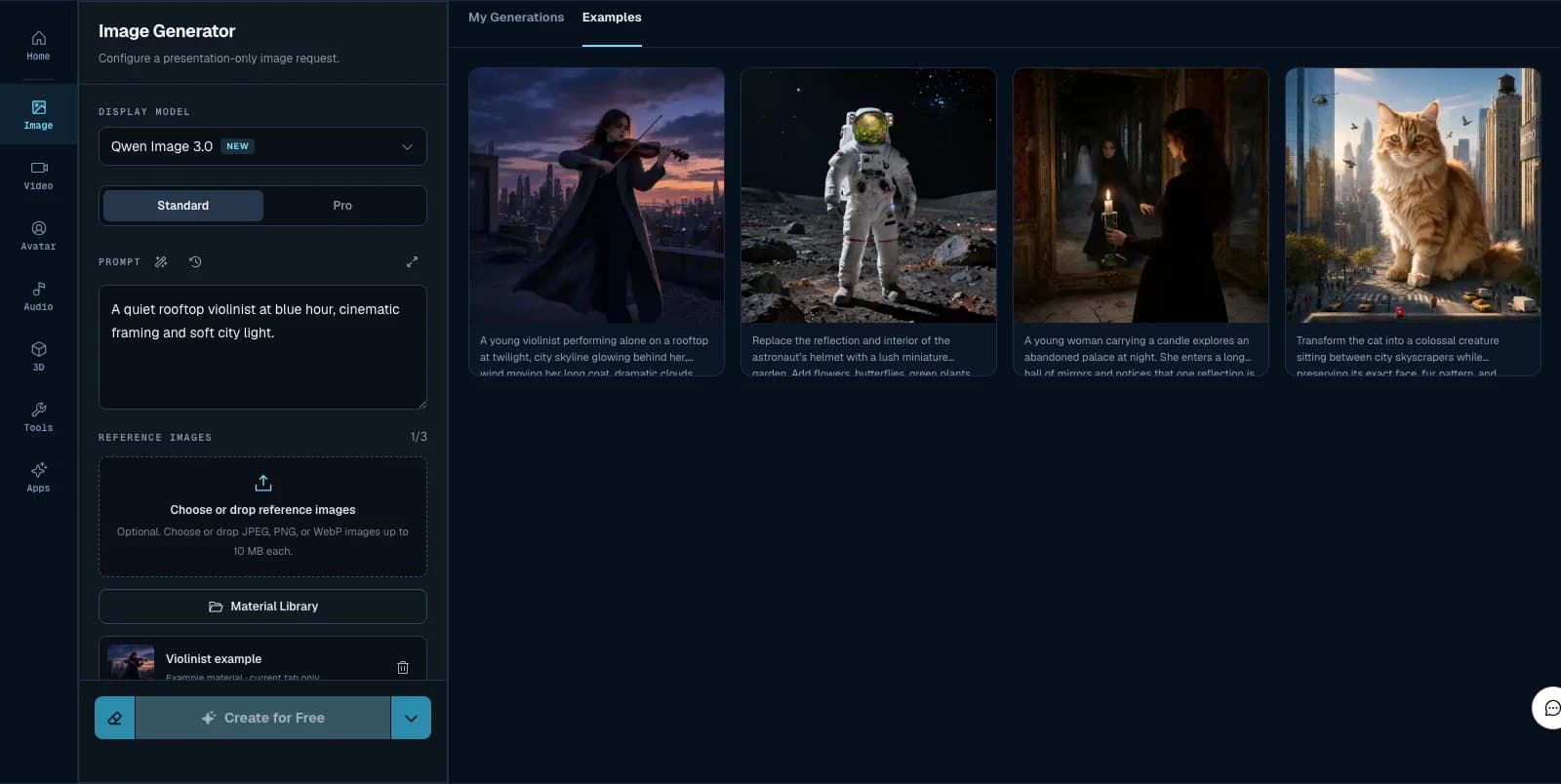
3dance Image Generator workspace with model, Prompt, reference, Examples, and My Generations regions

How the AI Image Generator Works

  1. 1

    Enter a prompt

    Describe the subject, setting, style, lighting, composition, and any text that should appear in the image.

  2. 2

    Choose a model

    Choose an available model and mode for your creative direction, then review its settings and price.

  3. 3

    Generate & download

    Submit an available generation, follow its progress, and download completed results from History.

Create from Text or Reference Images

Start with a prompt and add reference images when supported by the selected model and mode.

3dance workflow from writing a Prompt through adding references and comparing output

Text to Image

Start with a prompt that names the subject and action, then add composition, lighting, camera angle, style, mood, and required text. Text-to-image works well for concepts, portraits, thumbnails, posters, illustrations, and product scenes.

Image to Image & Reference

Add a reference when you want to prepare an edit, preserve a product or character, match a composition, or carry a style into a new version. The selected model and mode determine supported formats and reference limits.

Compare AI Image Models

Compare 17 image model families. Use the model selector to check current modes, settings, and availability; a model card does not guarantee availability.

OpenAI

Explore natural-language image creation.

Google

Explore natural-language image changes.

ByteDance

Explore image composition experiments.

Alibaba

Explore prompt-driven image exploration.

Alibaba

Explore text-led image exploration.

Alibaba

Explore image generation experiments.

Alibaba

Explore image generation experiments.

Explore platform models →

Free Credits

Eligible new accounts may receive promotional credits under the current offer. Check your balance in Billing and review the quoted price before generating. Credits do not make every model free.

Prompt Tips for Better Images

  • Lead with the subject and action, then specify composition, lighting, camera angle, and style.
  • Put exact wording in quotation marks and state where it should appear when an image needs text.
  • Use reference images and clear preservation instructions when identity, product shape, or layout must stay consistent.
  • Keep the same prompt while comparing models so differences are easier to judge.

API Workflows — Coming Soon

Developer API and model documentation are Coming Soon.

AI Image Generator FAQ

Ready to Create?

Prepare a prompt and choose the model that fits your next image.

Sign up