01
OpenAI
GPT Image 2
Text to Image
- Text prompt
- Image output
One workspace. Every medium.
Create images and video across leading AI models, then keep your ideas, versions, and assets together in 3dance.
Editorial 01 / 03 · Neon velocity
Creator entry
Start with an idea, then let 3dance select a model or choose the Display Model that fits your medium.
Model discovery
Explore a focused set of image and video models, each presented by its creative mode rather than its execution provider.
OpenAI
Text to Image
Image Editing
ByteDance
Text to Image
Recraft
Image Generation
Black Forest Labs
Text to Image
Creative workflow
Move through one focused creative loop while your ideas, versions, and generated files stay together.
Start with a prompt or reference that captures the direction you want to explore.
Use 3dance Select or choose the Display Model that fits the medium and creative mode.
Turn the direction into an image or video while the platform tracks the work.
Compare versions, refine the prompt, and carry the strongest direction forward.
Keep generated files in your private workspace, ready to revisit without depending on a temporary supplier link.
Developer path
Developer API and SDKs are Coming Soon. Today, create through Image and Video Generator and revisit your work in History.
Creative direction, chosen Display Model, and generation settings.
Follow progress and review completed generations in History.
Download your completed file from your private workspace.
Made with 3dance
Pause on products, autonomous machines, moving worlds, and abstract material studies created across the 3dance Display Model catalog.
 Image
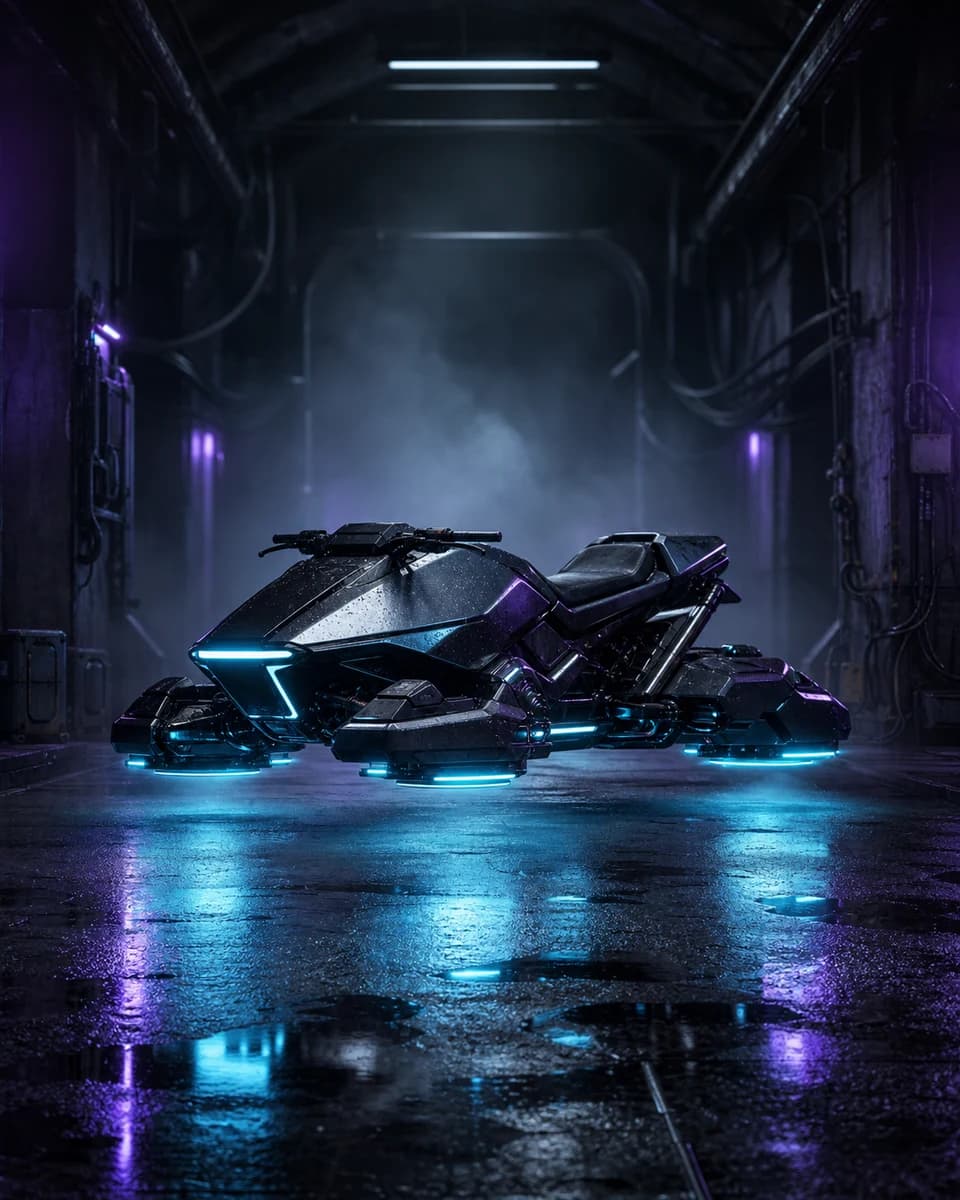
ImageOpenAI / GPT Image 2 / Text to Image
A riderless hoverframe waiting beneath cyan service lights.
 Image
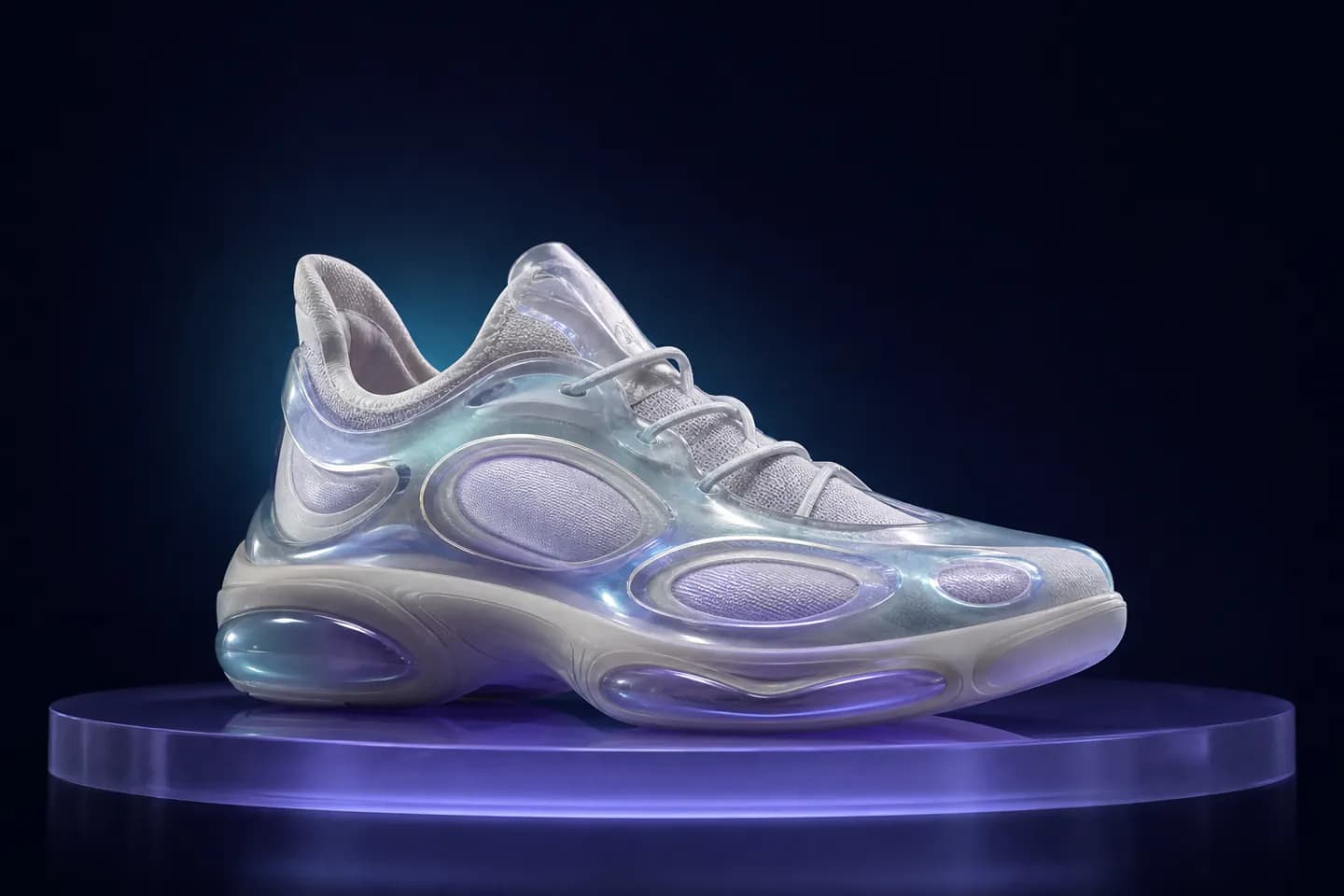
ImageRecraft / Recraft V4.1 / Image Generation
A translucent biomorphic trainer shaped from glass and soft gel.
 Video
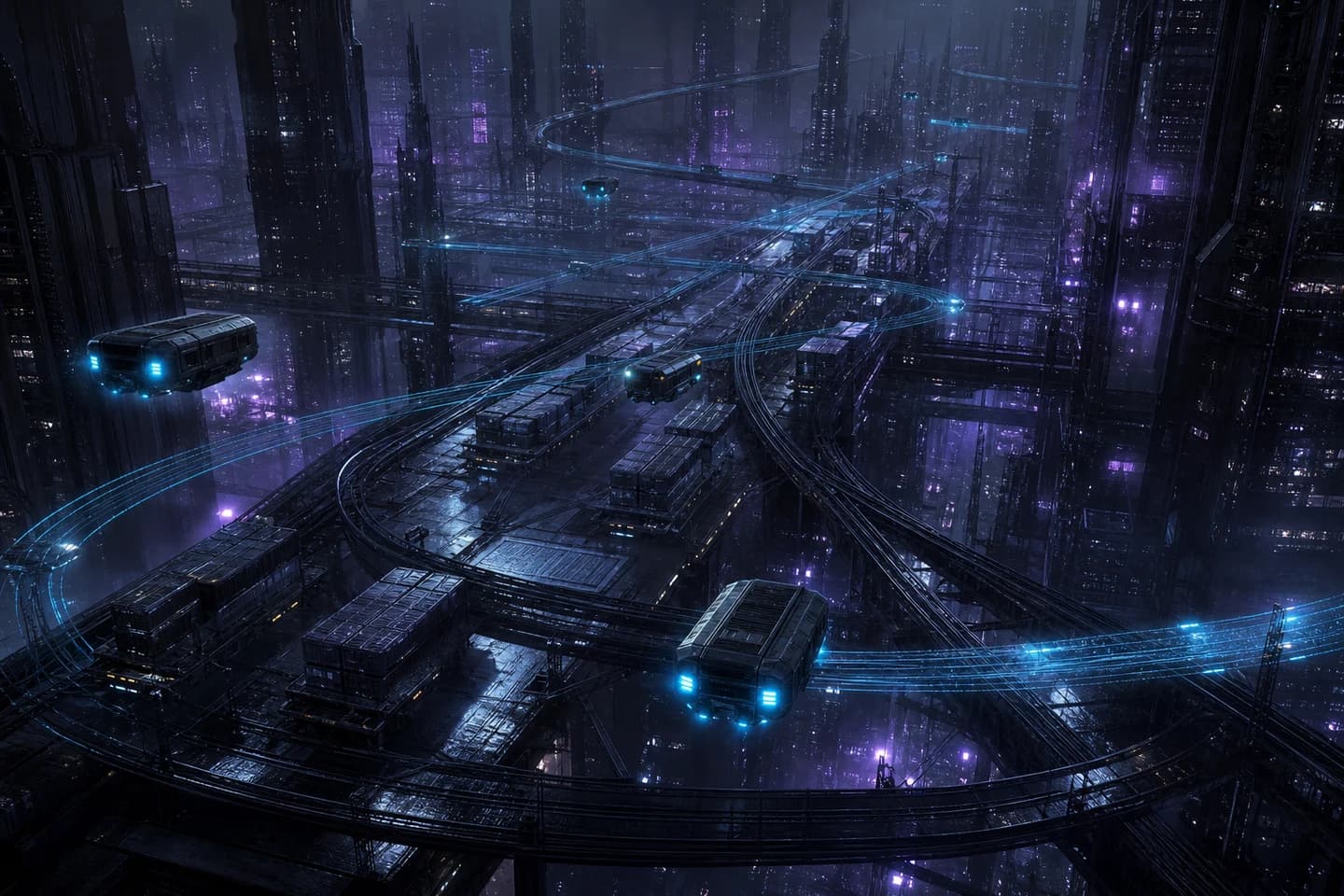
VideoGoogle / Veo 3.1 / Text to Video
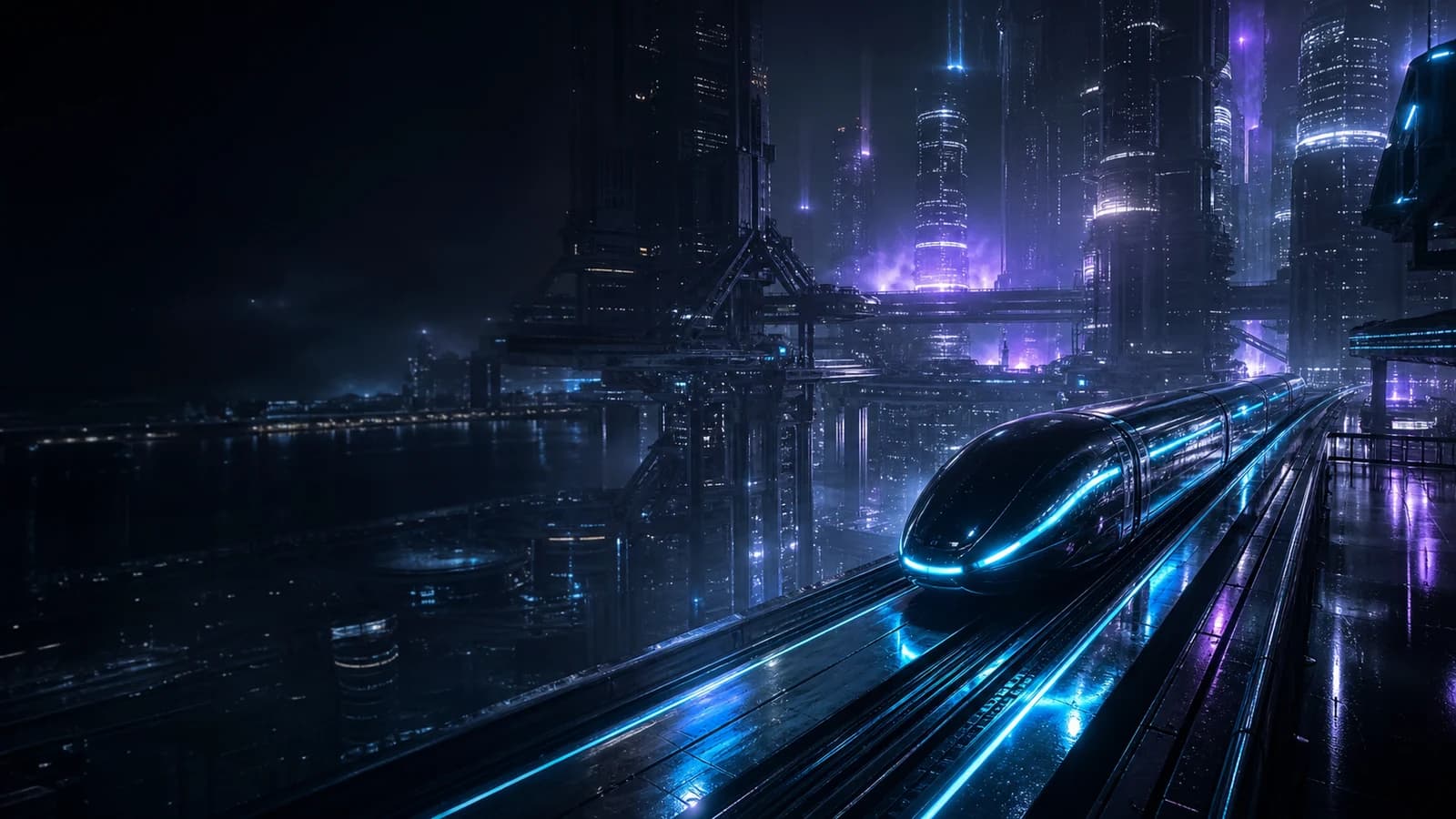
Autonomous freight routes threading through a midnight megacity.
 Video
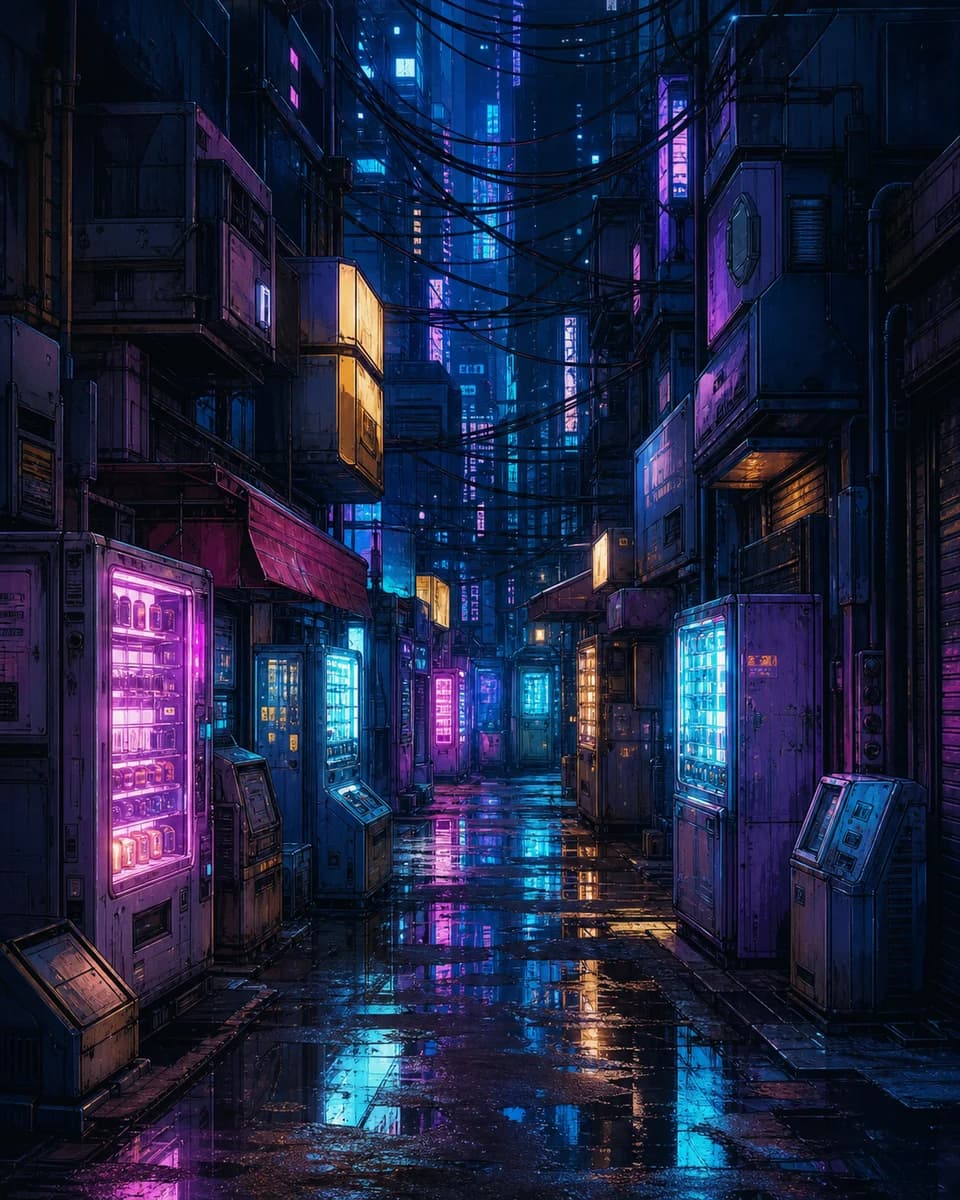
VideoByteDance / Seedance 2.5 / Image to Video
A deserted signal market glowing after midnight rain.
 Image
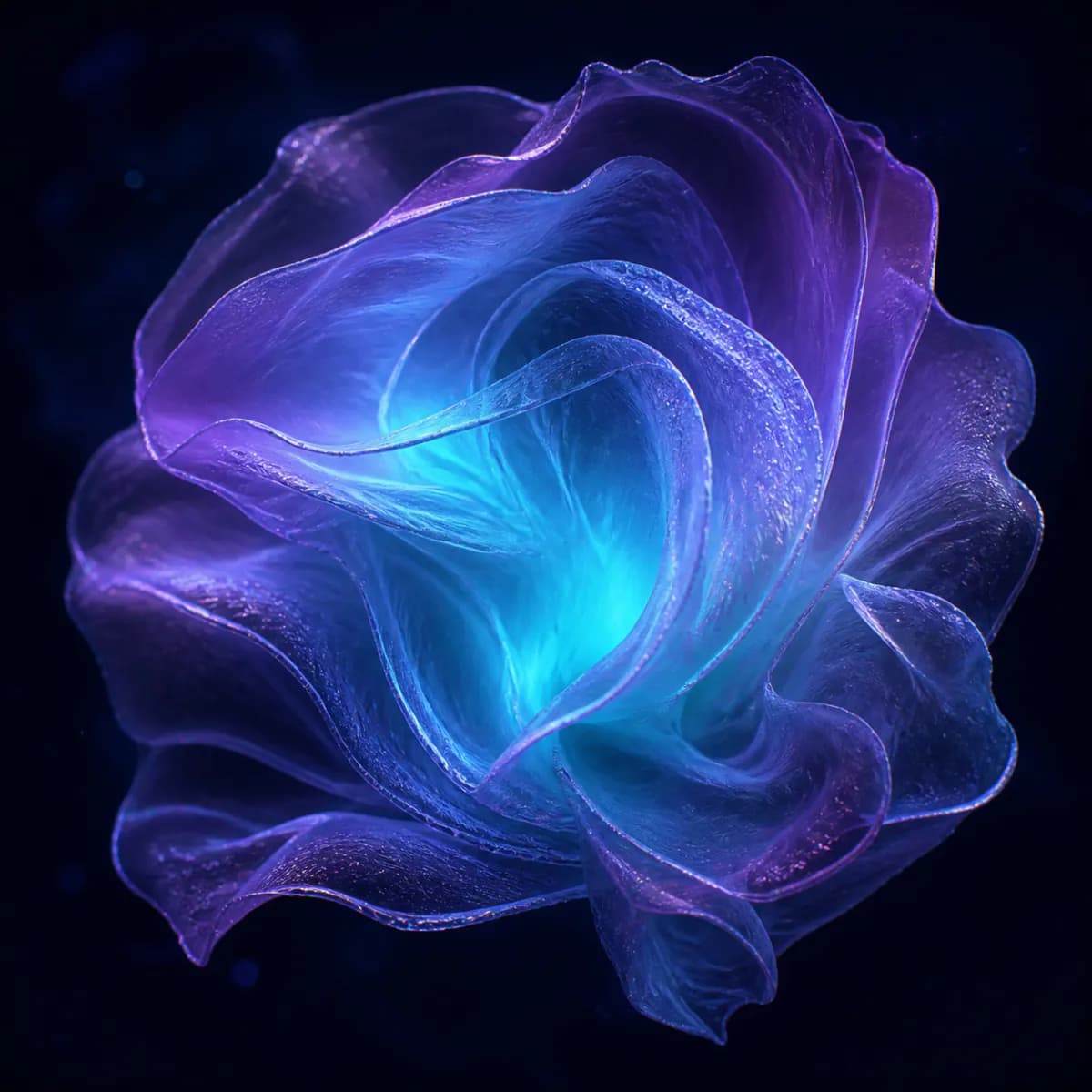
ImageBlack Forest Labs / FLUX.2 / Text to Image
Iridescent membranes folding into a luminous impossible bloom.
 Image
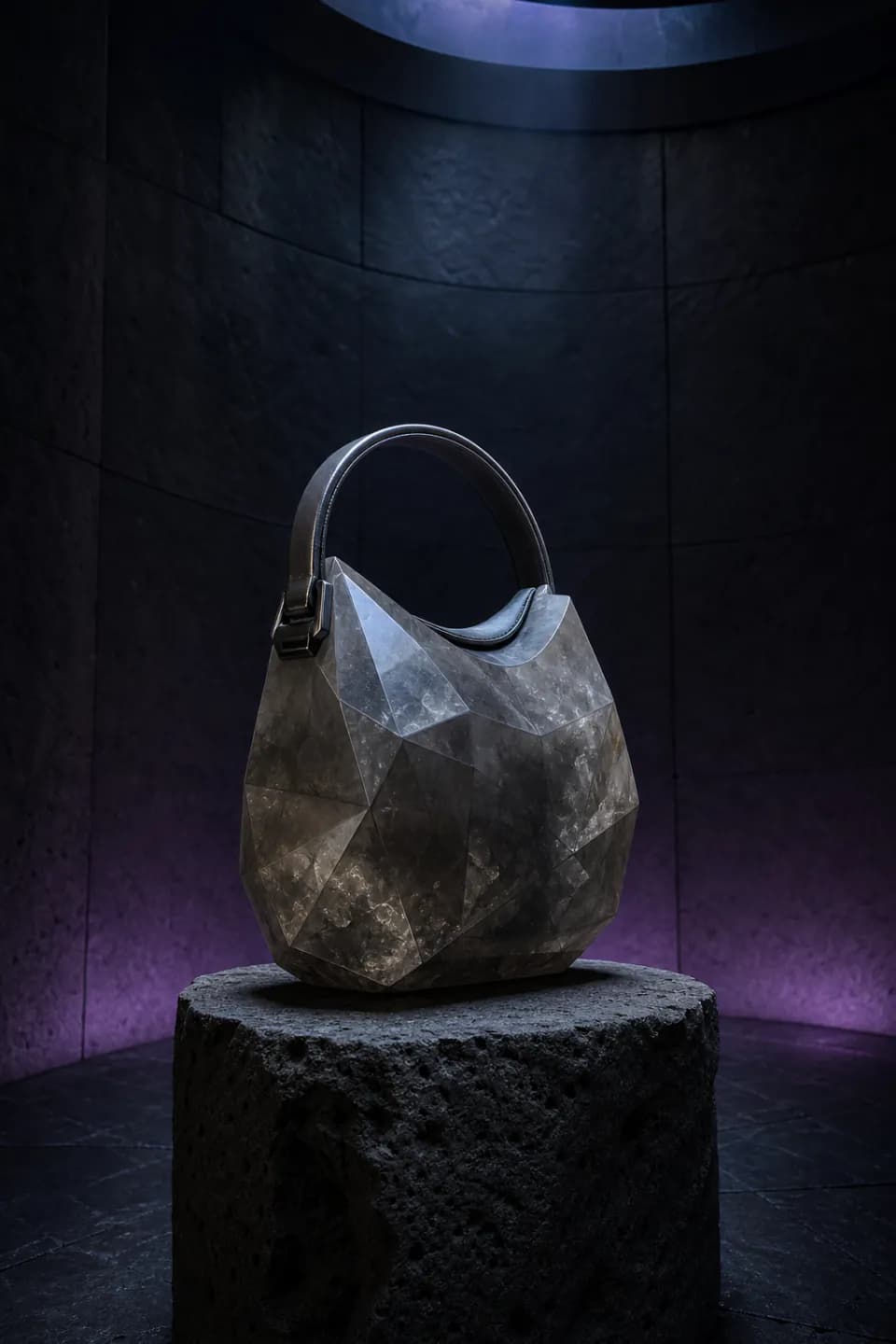
ImageByteDance / Seedream 5.0 Pro / Text to Image
A mineral handbag balanced inside a quiet basalt observatory.
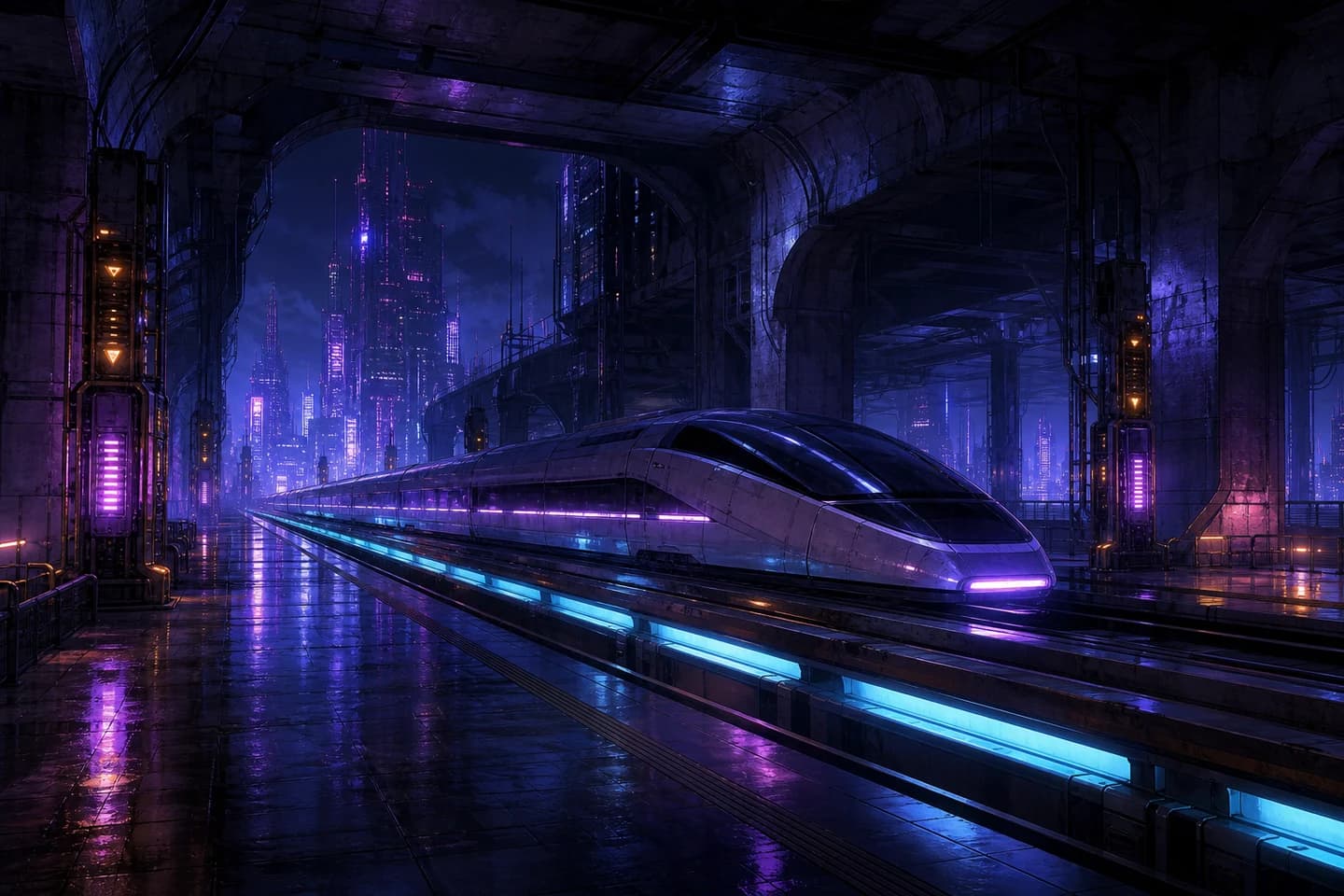 Video
VideoRunway / Runway Gen-4.5 / Image to Video
An unmanned maglev waiting beneath a violet concrete vault.
Platform advantages
Explore image and video models in one workspace. Check availability for your chosen model and mode before creating.
Choose an available model, review its price, and follow generation progress. Completion time depends on the model and request.
See your current generation capacity and queue limits in Billing before planning a larger creative workflow.
Your uploaded assets and generated files are private to your workspace.
Customer stories — Coming Soon.
Create with 3dance
Start in image with 3dance Select, then shape the direction across models, versions, and mediums in one private workspace.
Start creating